

Want to make your iPhone sound unique? You can use Apple’s free GarageBand app. It lets you create ringtones right on your phone. No computer is needed. This guide shows you how. You will learn How To Add Custom Ringtone Iphone.
What Is a Custom Ringtone?
A custom ringtone is a personalized sound that plays when you receive a call, message, or notification. Creating your own allows you to stand out and add a personal touch to your iPhone experience.
Tools You’ll Need
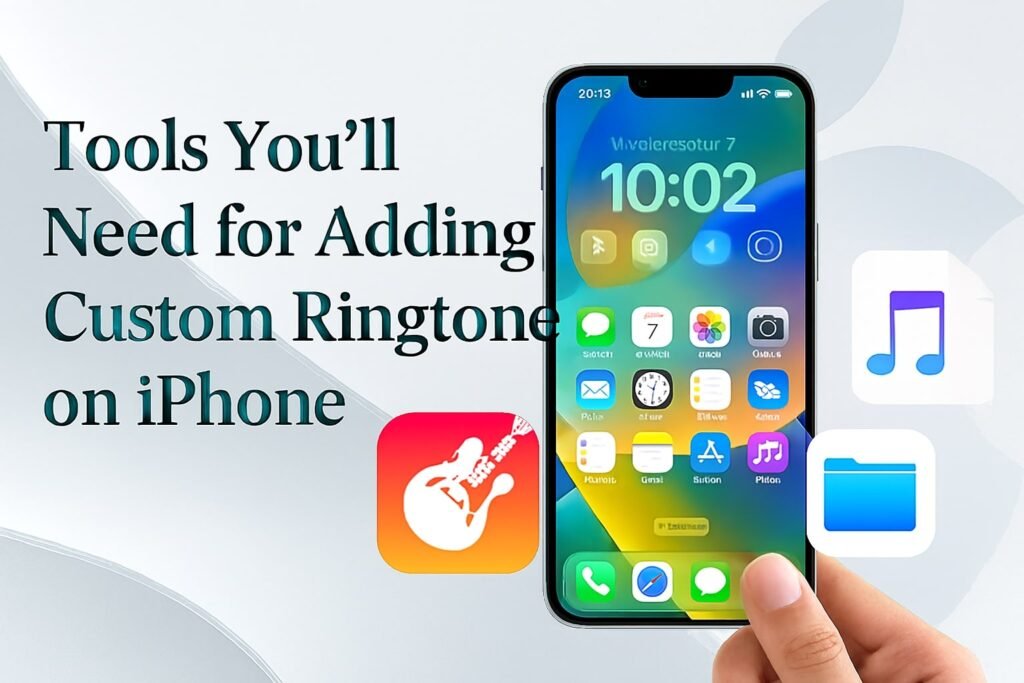
- iPhone: Ensure it’s running iOS 16 or later.
- GarageBand: Download it for free from the App Store.
- Audio File: A song or sound clip you want to use.
- Files App: To access and import your audio file.
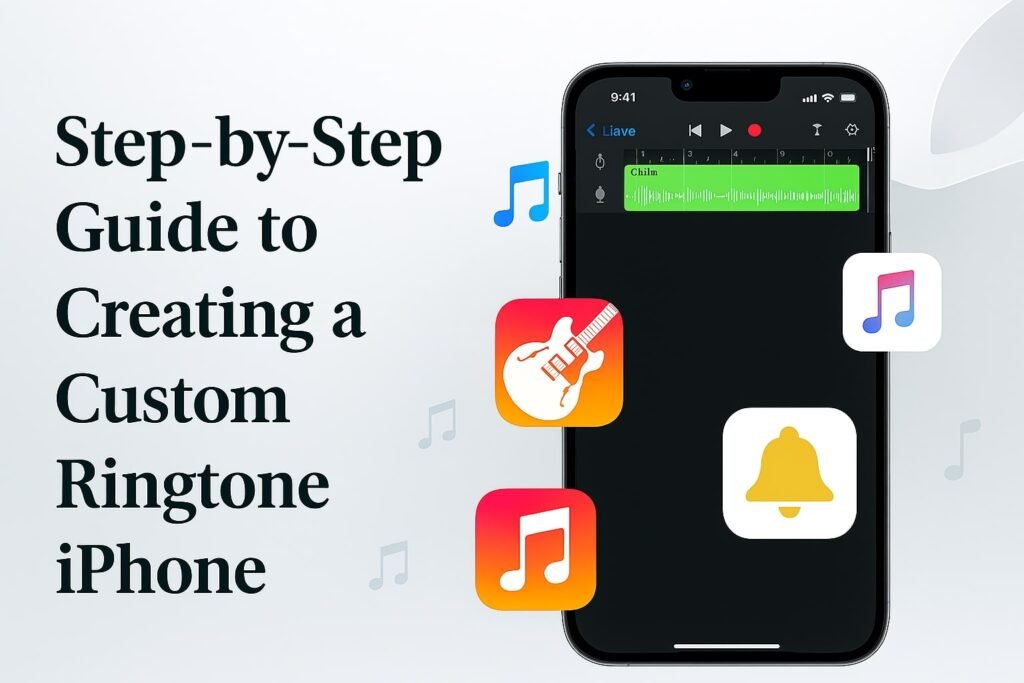
Step-by-Step Guide to Creating a Custom Ringtone
1. Install GarageBand
If you haven’t already, download GarageBand from the App Store. It’s a powerful music creation software by Apple, designed for both beginners and professionals.
2. Open GarageBand and Create a New Project
- Launch GarageBand.
- Touch and hold the app icon on your Home Screen.
- Tap Create New Audio Recording.
3. Access the Loops Browser
- Tap the Tracks button at the top left.
- Tap the Loops Browser button at the top right.
4. Import Your Audio File
- Tap the Files tab.
- Navigate to your audio file using the Files app.
- Touch and hold the audio file, then drag it to the left side of the screen to the Tracks view.
5. Trim the Audio Clip
- Tap the track to select it.
- Drag the edges to adjust the length to 30 seconds or less.
- Use the Precision Editor for more detailed adjustments.
6. Save Your Project
- Tap the Navigation button at the top-left corner.
- Tap My Songs.
7. Export as Ringtone
- In the browser, tap the More button at the top-right corner.
- Tap Select, then choose your project.
- Tap the Share button at the bottom-left corner.
- Tap Ringtone.
- Enter a name for your ringtone, then tap Export.
8. Assign the Ringtone
- After exporting, tap Use sound as….
- Choose one of the following:
- Standard Ringtone: For all incoming calls.
- Standard Text Tone: For text messages.
- Assign to Contact: For specific contacts.
Real-Life Use Case
Many people love making custom ringtones with GarageBand. One Reddit user said:
“This is amazing! I can’t believe I only just discovered this today. Thank you so much!!!!!
These comments show that creating your own iPhone ringtone is easy and fun.
Strengths of Using GarageBand for Ringtones
- Free and Built-in: No need for third-party apps.
- Direct Integration: Seamlessly works with iPhone’s settings.
- High Customization: Allows precise editing of audio clips.
- No Computer Required: Everything can be done on your iPhone.
Areas for Improvement
- Learning Curve: New users might find GarageBand’s interface complex initially.
- File Compatibility: Not all audio formats are supported; ensure your file is in a compatible format.
- Storage Space: Large audio files can consume significant storage on your device.
Comparison: GarageBand vs. Other Methods
| Method | Cost | Ease of Use | Customization | Requires Computer |
|---|---|---|---|---|
| GarageBand | Free | Moderate | High | No |
| iTunes Method | Paid | Easy | Low | Yes |
| Third-Party Apps | Varies | Easy | Moderate | No |
Frequently Asked Questions
1. Can I use any song as a ringtone?
You can use songs from your Apple Music library, provided they’re downloaded to your iPhone and not DRM-protected. Apple Support
2. How do I assign a ringtone to a specific contact?
After exporting your ringtone, select Assign to Contact and choose the desired contact.
3. What if my audio file is longer than 30 seconds?
GarageBand will prompt you to shorten the clip during the export process.
4. Can I create ringtones for text messages?
Yes, during the export process, you can choose Standard Text Tone.
5. Do I need a computer to create a ringtone?
No, GarageBand allows you to create and assign ringtones directly on your iPhone.
Conclusion
Making a custom ringtone on your iPhone with GarageBand is simple. It lets you add a personal touch to your phone. GarageBand is free and works well with iOS. It is a great choice for anyone who wants to customize their iPhone.
Author Bio
This guide was written by Shakib, a tech enthusiast with a passion for helping users make the most of their Apple devices.
References
- Apple Support: Create a custom ringtone on your iPhone Apple Support
- Reddit: Garageband Ringtone to iPhone Reddit
- OSX Daily: How to Set Any Song as Ringtone on iPhone with GarageBand OS X Daily
