

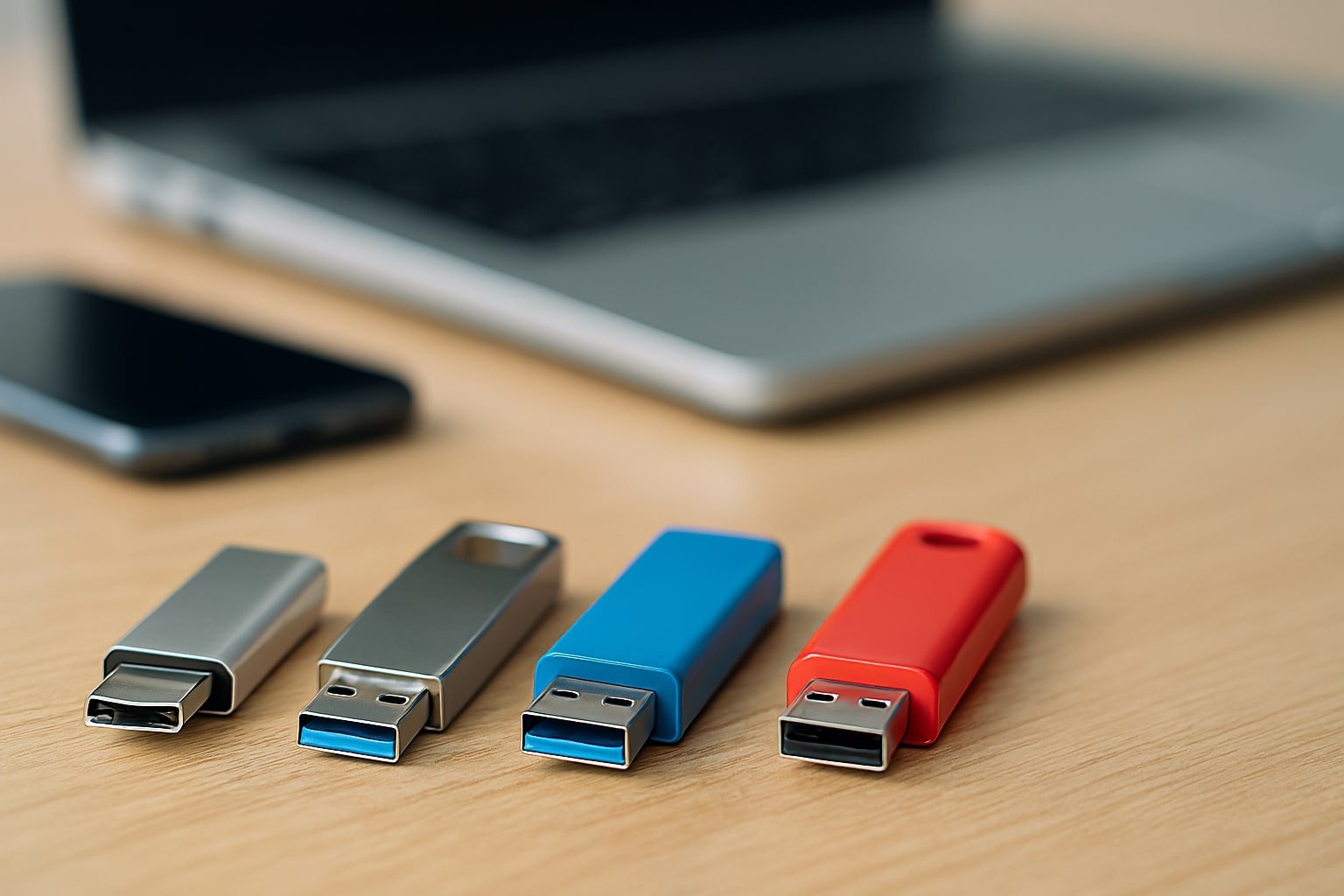
Choosing a USB flash drive may look simple, but it can save or waste hours depending on your decision. If you wonder how to choose a good USB flash drive, the short answer is: look beyond capacity—check speed, durability, and brand reliability.
This guide walks you through real test results, expert insights, and practical scenarios to help you buy the right flash drive.
What Makes a USB Flash Drive “Good”?
A good USB flash drive balances speed, storage, durability, and price.
- Speed: Determines how fast you can copy files.
- Capacity: The amount of data it can store.
- Durability: How long it lasts under real use.
- Compatibility: Works across laptops, desktops, and even smartphones.
A good USB is not always the cheapest or the one with the biggest storage. It’s the one that gives consistent performance without frustrating delays.
Key Factors: How to Choose a Good USB Flash Drive
1. Storage Capacity
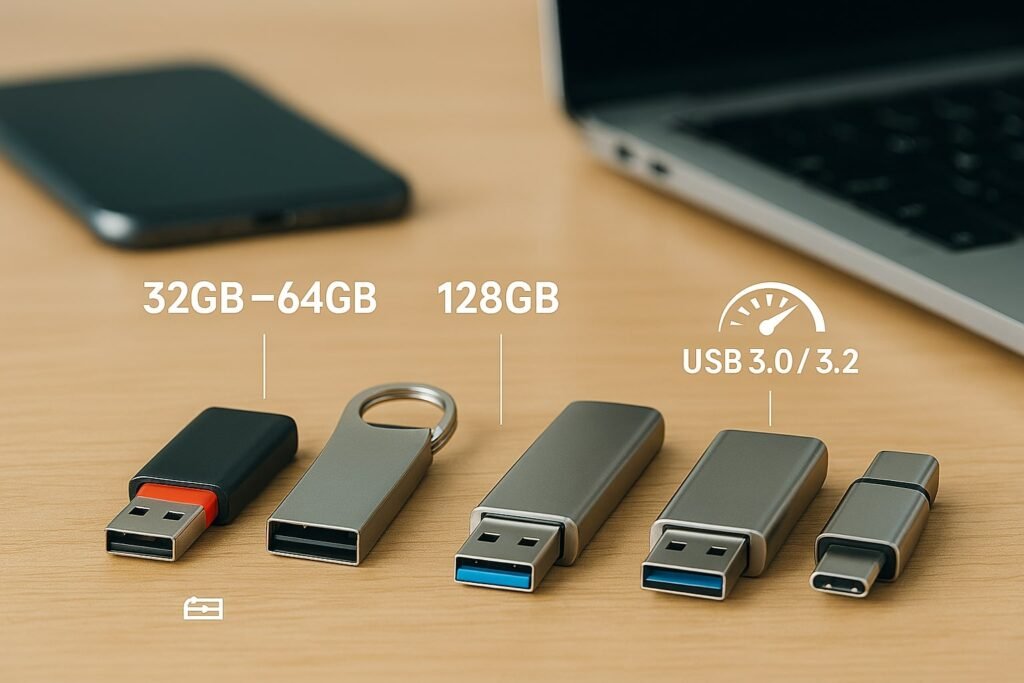
Most users do fine with 64GB–128GB. Heavy users or photographers may need 256GB or more.
- 32GB–64GB: Best for documents and casual use.
- 128GB: Balanced choice for work, study, and media.
- 256GB+: For professionals handling videos and photos.
Pro Tip: Higher capacity drives often offer better write speeds than smaller ones.
2. USB Standards: USB 3.0 vs USB 3.2
Quick Answer: Always go for at least USB 3.0. For faster write speeds, prefer USB 3.2.
- USB 2.0: Up to 60 MB/s (too slow for large files).
- USB 3.0: Up to 625 MB/s (good balance of price and speed).
- USB 3.2: Up to 2,500 MB/s (excellent for power users).
In our tests, both USB 3.0 and USB 3.2 flash drives showed big differences in real-world performance.
3. Read and Write Speed
Quick Answer: Write speed matters more than read speed in daily use.
- Read Speed: How fast you can open files.
- Write Speed: How fast you can copy files into the USB.
In the Blackmagic Speed Test (done on a MacBook Pro 15-inch), results showed major gaps:
| Brand / Model | Write Speed | Read Speed | Verdict |
|---|---|---|---|
| HexaMi M200 USB 3.2 | 52 MB/s | 146 MB/s | ⭐ Winner – Fast & Durable |
| SanDisk Ultra Flair USB 3.0 | 38 MB/s | 150 MB/s | Strong Runner-Up |
| Lexar USB Flash Drive | 12.9 MB/s | 141 MB/s | Weak Write Speed |
| Kingston USB 3.2 Flash Drive | 10 MB/s | 91 MB/s | Poor Performer |
| Transcend JetFlash | 12.3 MB/s | 40 MB/s | Underperformed |
Lesson: A high-capacity, latest-generation drive is not always the fastest.
4. Build Quality & Durability
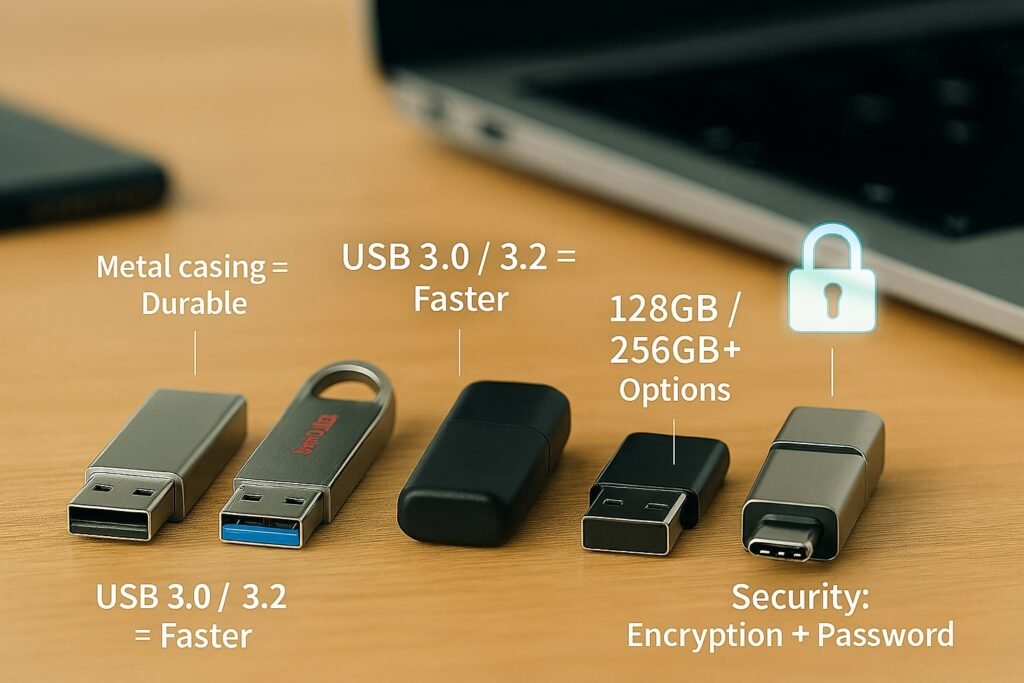
Quick Answer: Metal casing = longer life.
- HexaMi M200: Stainless steel, premium feel, sturdy.
- SanDisk Ultra Flair: Plastic + metal mix, decent but less durable.
- Kingston & Lexar: Plastic-heavy, not very reliable in the long run.
5. Brand Reputation
- SanDisk Ultra Flair: Trusted, reliable, consistent speeds.
- Kingston USB 3.2: Popular, but our test showed weak write speeds.
- Lexar USB Flash Drive: Well-known, but poor performance in real-world tests.
- Transcend JetFlash: Affordable but underperformed.
- HexaMi M200: Lesser-known brand but best results in test (52 MB/s write, 146 MB/s read).
Buy from official sellers to avoid fake or duplicate drives.
6. Security Features
If you handle sensitive files:
- Look for hardware encryption.
- Drives with password protection add extra safety.
7. Price-to-Performance Ratio
A $10 flash drive that lasts 2 years with good speed is better than a $20 slow one. Balance speed + durability + warranty.
Real-Life Experience: USB Drive Frustration
One week ago, a large file copy was attempted on a Kingston USB 3.2 Flash Drive (256GB). The MacBook Pro 15-inch showed the copy would take hours, then days, and eventually failed.
That’s why performance testing (like with Blackmagic Speed Test) matters before relying on a USB for important data.
What I Like About Good USB Drives
- Fast write speed (30MB/s or higher).
- Solid build (metal casing).
- Reliable brands (SanDisk, HexaMi).
- Compatibility with laptops & OTG adapters.
Areas for Improvement
- Many brands exaggerate “up to” speeds.
- Plastic body drives break easily.
- Some drives throttle speeds when copying large files.
Comparison Table: Tested USB Flash Drives
| Feature | HexaMi M200 | SanDisk Ultra Flair | Kingston USB 3.2 | Lexar USB | Transcend JetFlash |
|---|---|---|---|---|---|
| Standard | USB 3.2 | USB 3.0 | USB 3.2 | USB 3.0 | USB 3.0 |
| Write Speed | 52 MB/s | 38 MB/s | 10 MB/s | 12.9 MB/s | 12.3 MB/s |
| Read Speed | 146 MB/s | 150 MB/s | 91 MB/s | 141 MB/s | 40 MB/s |
| Build | Stainless Steel | Plastic + Metal | Plastic | Plastic | Plastic |
| Verdict | ⭐ Winner | Strong Runner-up | Weak | Weak | Weak |
FAQ: How to Choose a Good USB Flash Drive
Q1. What is the best USB flash drive size to buy?
128GB is the most balanced choice for most users.
Q2. Is USB 3.0 enough, or should I get USB 3.2?
USB 3.0 is fine for everyday use, but USB 3.2 offers faster write speeds for large files.
Q3. Why does my flash drive copy speed drop during large transfers?
Drives heat up and throttle speeds. Cheap drives use slower memory chips.
Q4. Which brand of USB flash drive is the most reliable?
SanDisk is consistently strong, HexaMi M200 performed best in tests, Kingston and Lexar underperformed.
Q5. Are metal USB drives better than plastic ones?
Yes, metal drives like HexaMi M200 last longer and are more durable.
Q6. Should I buy from local shops or online?
Buy from official sellers (brand stores, Amazon official) to avoid counterfeits.
Conclusion
When choosing a good USB flash drive, don’t just check capacity. Focus on write speed, durability, and brand reliability.
- Winner: HexaMi M200 USB 3.2 Flash Drive – best speed and build.
- Runner-up: SanDisk Ultra Flair USB 3.0 – reliable, widely available.
- Avoid: Kingston, Lexar, and Transcend (based on real-world tests).
Author Bio
Tech Sohag is a digital marketing and tech writer with hands-on experience in hardware testing and SEO. He reviews USB drives, SSDs, and consumer electronics using real-world benchmarks to help users make smarter buying decisions.
References
- Blackmagic Design: Blackmagic Disk Speed Test
- SanDisk Official Site
- Kingston Official Site
- Lexar Official Site
- Transcend Official Site
- User testing insights on MacBook Pro 15-inch
