

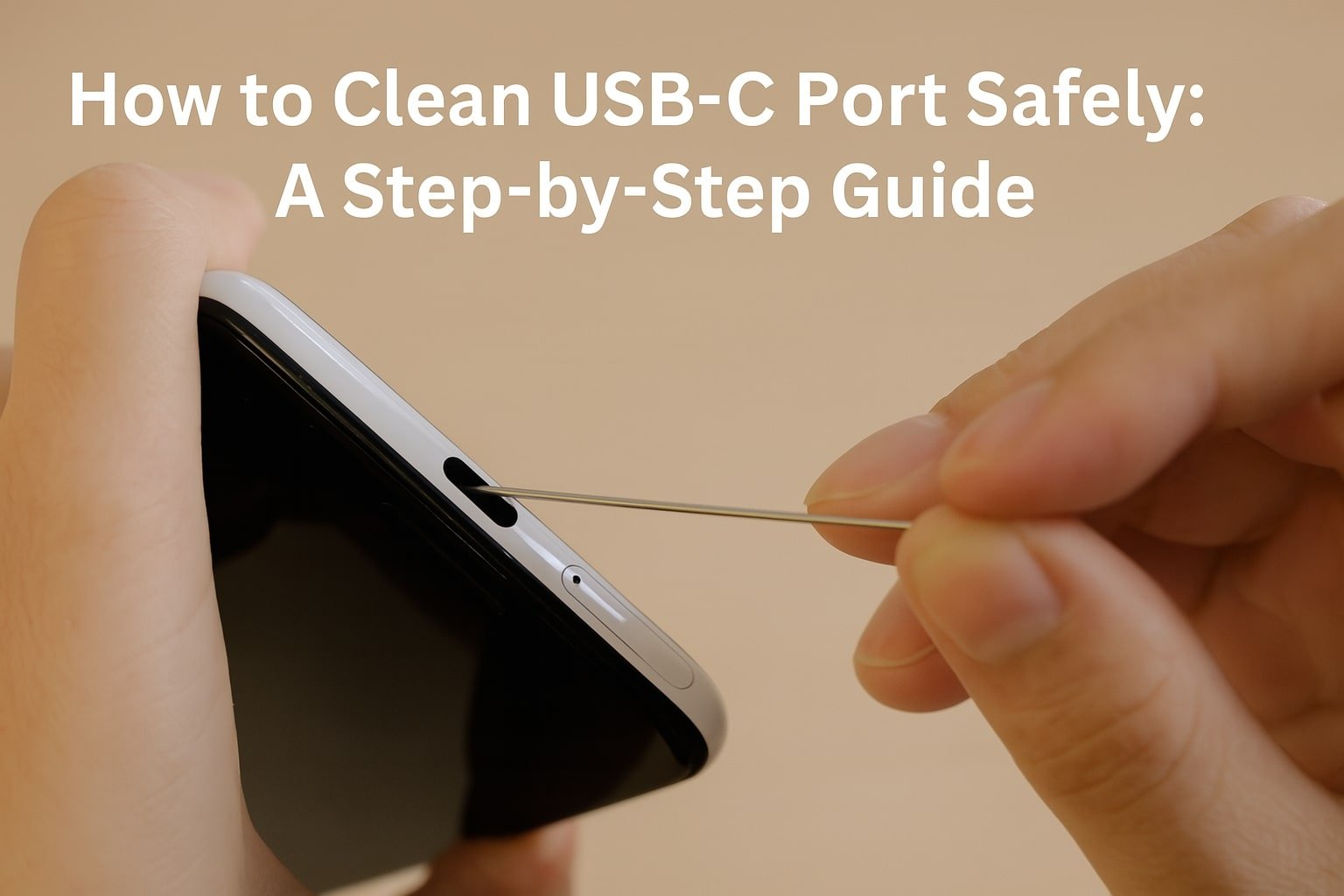
If your smartphone suddenly stops charging or fails to transfer data, the culprit might be your USB Type-C port. Dust, lint, or debris can block the connection, making it seem like your phone is broken. The good news is, you can often fix this at home. This guide explains How to Clean USB-C Port Safely the tools you should use, and when it’s time to visit a repair shop.
Why USB Type-C Ports Get Dirty
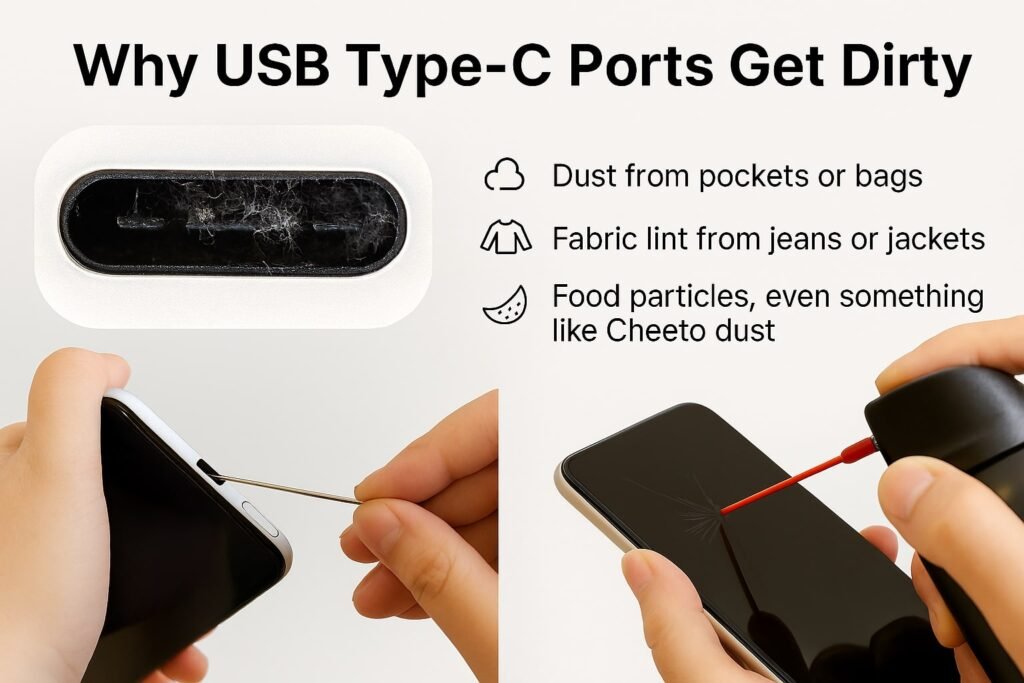
Most smartphone charging issues are not caused by faulty cables or batteries. Instead, lint and pocket debris collect inside the port, preventing proper contact. Common culprits include:
- Dust from pockets or bags.
- Fabric lint from jeans or jackets.
- Food particles, even something as odd as Cheeto dust.
When this debris builds up, your phone may stop charging, lose fast-charging ability, or fail to connect to your computer.
How to Clean USB-C Port Safely (5 Easy Steps)
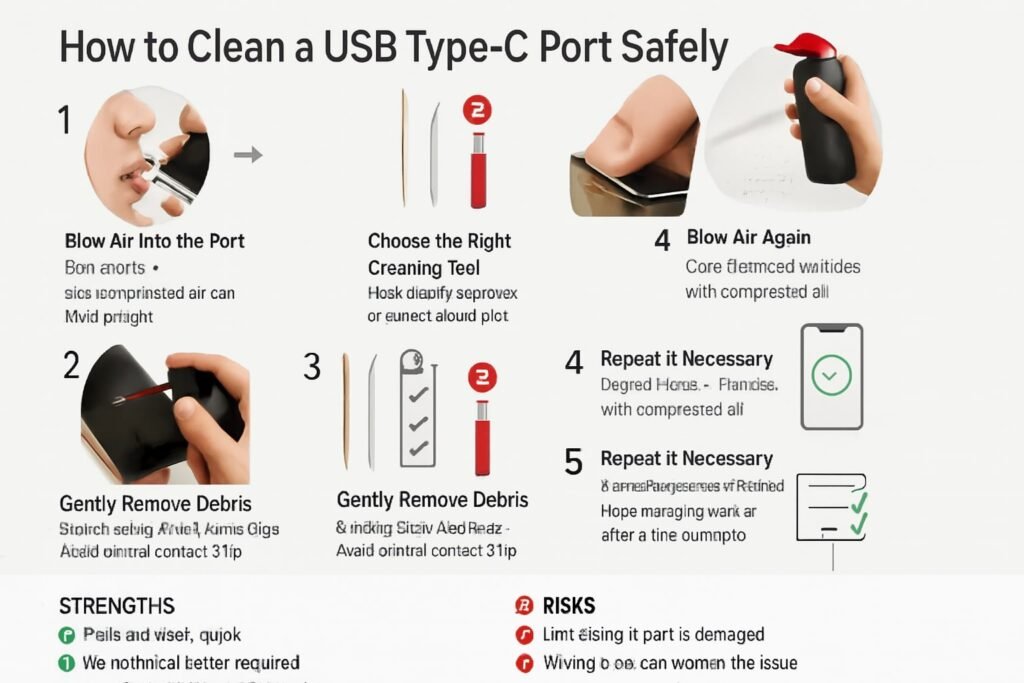
Step 1: Blow Air into the Port
Start simple. Blow gently into the port to remove loose particles. For better results, use a compressed air can (air duster). Always hold the can upright to avoid spraying liquid.
Step 2: Choose the Right Cleaning Tool
Never use sharp objects like needles or metal pins—they can damage the delicate pins inside the port. Instead, use safe household tools such as:
- Wooden toothpick – Small, gentle, and effective.
- Plastic dental pick – Precise and reusable, better than cotton swabs.
Step 3: Gently Remove Debris
Insert the tool carefully and scrape around the edges of the port. Avoid pressing against the central contact chip. The goal is to loosen lint, not push it deeper.
Step 4: Blow Air Again
After scraping, use compressed air again to clear loosened particles. This ensures nothing remains stuck inside.
Step 5: Repeat if Necessary
If the port still doesn’t work, repeat steps 2–4. Most charging issues resolve after a few attempts.
What If Cleaning Doesn’t Work?
If your phone still won’t charge, the problem may not be dirt. A repair shop should check for:
- Bent pins inside the USB Type-C port.
- Corrosion from moisture.
- Loose or damaged solder joints.
DIY cleaning works for debris, but hardware damage requires professional service.
Strengths of This Cleaning Method
- Safe, low-cost, and quick.
- No technical skills required.
- Prevents unnecessary repair costs.
Areas for Improvement / Risks
- Ineffective if the port is physically damaged.
- Wrong tools (metal pins, cotton swabs) can worsen the issue.
- Careless scraping may push lint further inside.
Comparison of Cleaning Tools
| Tool | Safe to Use? | Pros | Cons |
|---|---|---|---|
| Compressed Air | ✅ Yes | Fast, effective, no contact | Can release liquid if tilted |
| Wooden Toothpick | ✅ Yes | Cheap, easy to find | Can break if pressed too hard |
| Plastic Dental Pick | ✅ Yes | Precise, reusable | Less common in households |
| Metal Pin/Needle | ❌ No | Easily available | Can damage delicate pins |
| Cotton Swab | ❌ No | Soft material | Fibers can clog the port |
FAQ: Cleaning USB-C Port
1. Can I use alcohol to clean a USB-C port?
Not recommended. Moisture may damage the internal contacts.
2. Is compressed air safe for all smartphones?
Yes, if used upright and from a short distance.
3. How often should I clean my charging port?
Every 3–6 months, or when charging becomes unreliable.
4. What if my USB-C port feels loose?
That indicates physical damage—visit a repair shop.
5. Can I prevent lint buildup?
Yes. Keep your phone in a case and avoid storing it in lint-heavy pockets.
Conclusion
Learning how to clean a USB-C port safely can save you money and stress. With compressed air, a wooden toothpick, or a plastic dental pick, you can remove lint and debris without risk. If cleaning doesn’t fix the issue, seek professional repair to avoid further damage.
Author Bio (Technician Style)
John Carter is a certified mobile repair technician with over 8 years of hands-on experience in smartphone hardware troubleshooting and micro-soldering. He has worked in independent repair shops and corporate service centers, specializing in diagnosing charging issues, replacing USB Type-C ports, and extending device life through safe repair practices. John regularly contributes repair guides to tech communities like iFixit and trains junior technicians on safe cleaning and maintenance methods.
